Why We Chose a PWA Instead of a Native App After Launch
We had just pushed a product to production and started getting feedback from real users. The app was web-based, but the request from users was familiar: they wanted it to feel more like an app they could keep on their phone, not something they had to reopen in a browser every time.
1 like
What Happened
The first reaction was to consider building a native mobile app. That would have solved the “installable” part, but it also introduced a bigger ask: getting users to download and trust a new app, especially early on when the product was still gaining traction.
That tradeoff mattered. For a new product, asking people to install an app adds friction, and friction slows adoption. The problem was not really about mobile code. It was about reducing resistance.
Investigation
We stepped back and looked at the actual goal. The product needed to be easy to access, quick to open, and simple to return to. It also needed to feel familiar enough that users would not think twice about using it.
That made the decision clearer. A web-first approach could keep the entry point simple while still giving users an app-like experience. A PWA could be installed to the home screen, open quickly, and behave more like a native app without requiring a full mobile build.
Root Cause
The issue was not technical limitation. It was product fit. A native app would have solved the surface request, but it would also have added friction at exactly the point where the product needed less of it.
For an early-stage product, asking users to install a separate app can be too much before trust is established.
Fix / Resolution
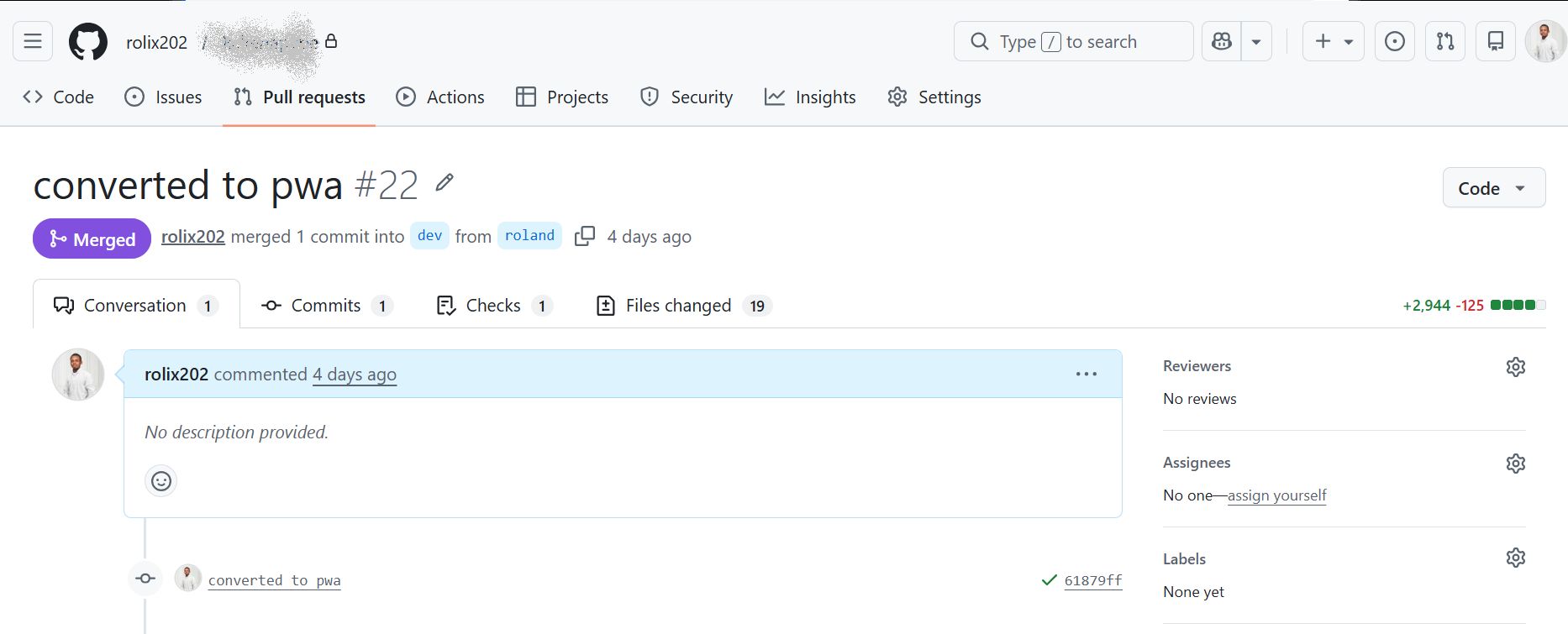
We chose a PWA instead of a native mobile app. That kept the same web link, but gave users a more app-like experience. It could be installed on the home screen, opened faster, and felt more natural without a separate download flow.
That decision kept the product accessible while still improving the user experience.
Takeaways
-
Start with the simplest experience that solves the business problem.
-
Not every “make it feel like an app” request needs a native app.
-
For early products, reducing friction usually matters more than adding features.
-
A PWA is often a good middle ground when you want app-like behavior without forcing installation.
-
The right architecture depends on product stage, audience trust, and how much friction the user can tolerate.
Found this useful? Pass it on.